Showing posts with label global. Show all posts
Showing posts with label global. Show all posts
Friday, December 16, 2016
CUSTOM ROM A6000 Redmi 2 MIUI V6 5 20 global
CUSTOM ROM A6000 Redmi 2 MIUI V6 5 20 global
Ngibadpunya ingin berbagi custom rom buat sobat setia blog ini.
ROM ini saya dapat dari group lenovo a6000 Indonesia yang di post oleh agan nuebi
buat yang mau icip-icip customrom
silahkan sedot..
Fitur :
- Full Bahasa Indonesia
- Gapps include
yang laen rasakan sendiri
instuctiins:
install dengan CWM
wipe data
wipe cache
wipe dalvik cache
install zip from sdcard1
Available link for download

Sunday, October 2, 2016
Download Counter Strike Global Offensive ISO Repack Full PC game
Download Counter Strike Global Offensive ISO Repack Full PC game

- Operating system: Windows XP SP3 / Windows Vista / Windows 7 SP1
- Processor: Pentium 4 3 GHz or dual core from Intel 2 GHz / AMD64X2
- Memory: 1 GB (XP) / 2 GB (Vista / 7)
- Video Card: 128 MB VRAM compatible with DirectX 9.0 and the technology to support Pixel Shader 2.0b (ATI Radeon X800 or better / NVIDIA GeForce 7600 or better / Intel HD Graphics 2000)
- Sound card: compatible with DirectX 9.0c
- Free space on hard drive: 10 GB
Publication Type: Informal
Language: Multilingual
Sound language: English
Installation:
1. When you first start the launcher you need to generate client.dll, why click "Generate" and wait. After starting Steam automatically launch the game and generate your client.dll. Be sure to wait for the success message is generated.
2. Used to generate more than one account with a licensed version. Perhaps at the time you click "Generate" all accounts will be busy generating other players, in consequence of which you will be asked to do it later. Standby time is 7 minutes.
3. After successful generation, you should always close the STEAM, if he did not close automatically and change the name of the game, to then click "Profile Settings", then you will discover a field to enter a name and change the language game.
4. After the name change, press the "Start Game", then run the auto-obnovlyator which will install no-steam emulator on your game. Well, the game you can run in the auto obnovlyatore. When you run the auto-obnovlyatora, this launcher closes.
5. Next time you start, use only with the "Start Game". Generate the next launch is not required. Re-generation is required in the event that was updated by the game developers.
6. Just do not click the "Generate", because you reduce the opportunity for other players to generate itself client.dll. Generation is needed only when the very first start the game.
Screenshot :

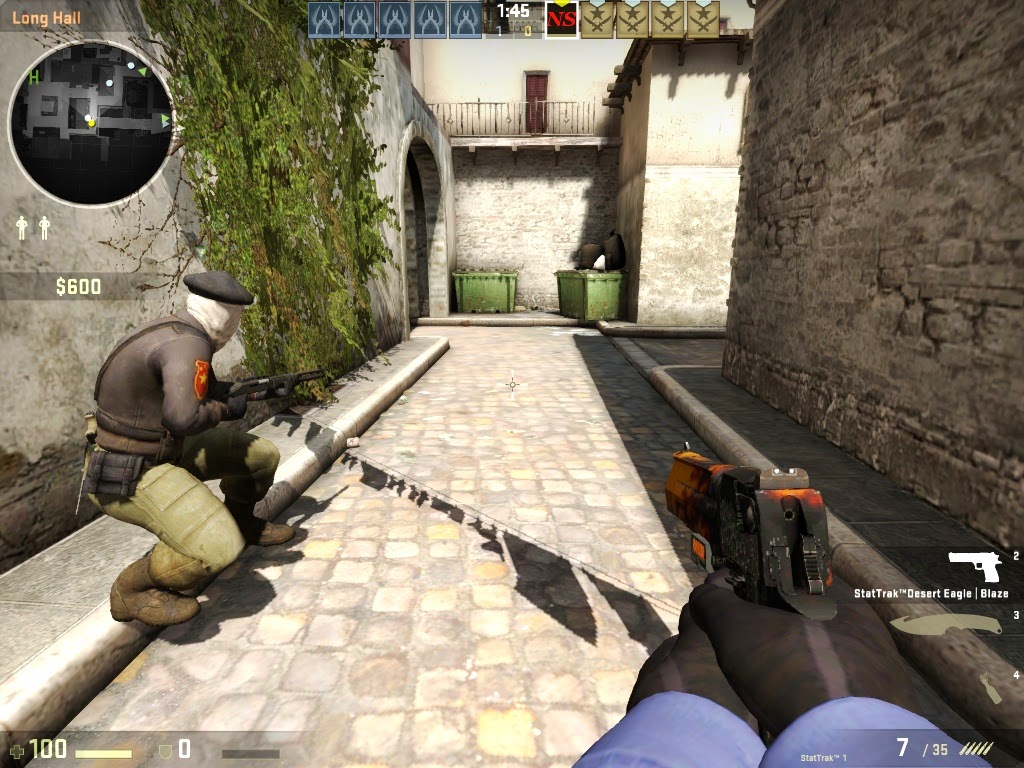

Ukuran : 2.3 GB
Type : PC Game
Download
Available link for download
Sunday, August 28, 2016
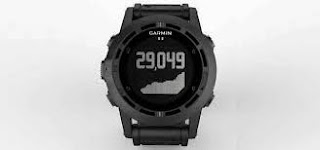
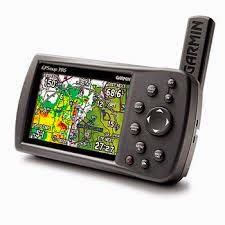
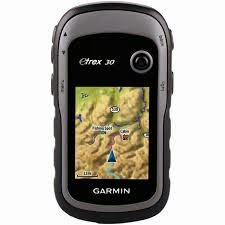
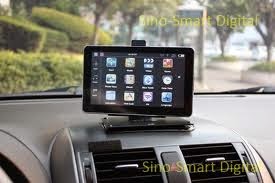
Contoh Bagan GPS Global Positioning System
Contoh Bagan GPS Global Positioning System
Bagan GPS
A. Rocker Key (Tombol Rocker), ada juga yang mengatakan Joy Stick, juga berfungsi sebagai enter. Ada tiga fungsi pada tombol ini, yaitu:
Berfungsi untuk menggerakan kursor ke kiri kanan atasbawah, yaitu dengan membuat pilihan berwarna hitam (highlight). Juga untuk menggerakan panah penunjuk pada halaman peta.
Untuk mengkonfirmasi pesan yang tampil atau fungsi enter: Tekan sedetik.
Tekan dan tahan: akan menampilkan jendela Mark. Sehingga ini merupakan jalan pintas untuk menggunakan fungsi mark, tanpa harus bersusah payah mencari halaman Mark untuk menandai suatu titik.
B. Tombol Zoom In atau Out: Pada halaman peta, tombol ini berguna untuk memperbesar atau memperkecil peta.
C. Tombol Menu dan juga Find.
Untuk mengaktifkan tombol menu halaman: Tekan sedetik.
Untuk menampilkan menu find: Tekan dan tahan sampai tampil menu find.
D. Tombol Halaman.
Tombol ini bisa digunakan untuk menampilkan menu utama, dengan cara: Tekan sedetik.
Untuk mengaktifkan atau menonaktifkan kompas: Tekan dan tahan, sampai tampil kotak kombo.
E. Tombol Tenaga:
berguna untuk mengaktifkan atau menonaktifkan GPS. Tekan dan tahan, sehingga GPS aktif atau non aktif. mengaktifkan lampu pada layar Bila GPS sedang aktif: tekan sebentar, sehingga pengatur pencahayaan tampil, gunakan tombol rocker untuk meningkatkan pencahayaan sesuai yang anda inginkan.
F. USB port: berguna untuk mengunggah dan mengunduh data dari dan ke GPS.
G. Penutup batere.
H. Lubang adapter breket GPS: Lubang ini untuk menempatkan adapter huruf K) yang nantinya berguna saat memasang breket pada kendaraan anda (misalnya sepeda, sepeda motor, mobil).
I. Cincin pembuka dan penutup untuk penutup batere: digunakan untuk membuka atau menutup pelindung batere, bila anda ingin mengganti, memasang atau mengeluarkan batere.
J. Tempat mengikat tali leher.
K. Adapter untuk breket GPS: Diaplikasikan bersama dengan huruf H.
SUMBER :
http://bondynamikaze.blogspot.com/2015/05/contoh-bagan-gps-global-positioning.html
Available link for download
Subscribe to:
Posts (Atom)